
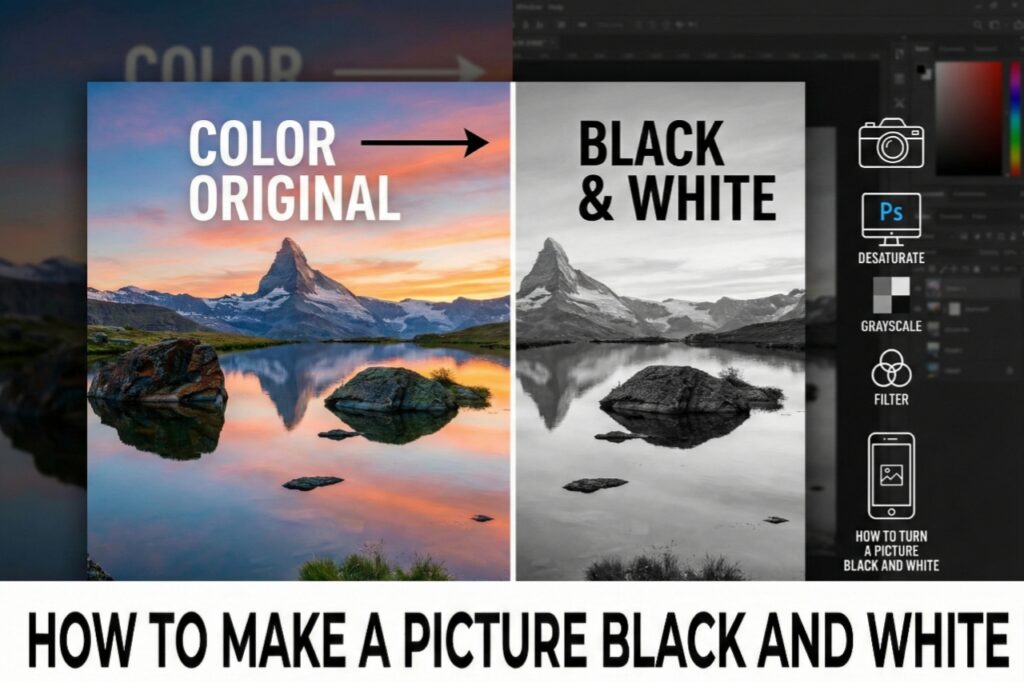
Hello friends! How are you all? Today we’re going to talk about a topic that’s very special in the world of photography and image editing – “how to convert a color photo to black and white.” If you’ve ever wondered how to make a picture black and white or how to turn a picture black and white, then this article is for you. Let’s get started!
Why are Black and White Photos So Special?
In the old days, all photographs were black and white. Even today, these photos convey a unique emotion, a classic look, and depth. In black and white photos, the focus shifts from colors to the subject, composition, light, and shadows. This makes the picture even more emotional and timeless.
How to Make a Photo Black and White – Main Methods
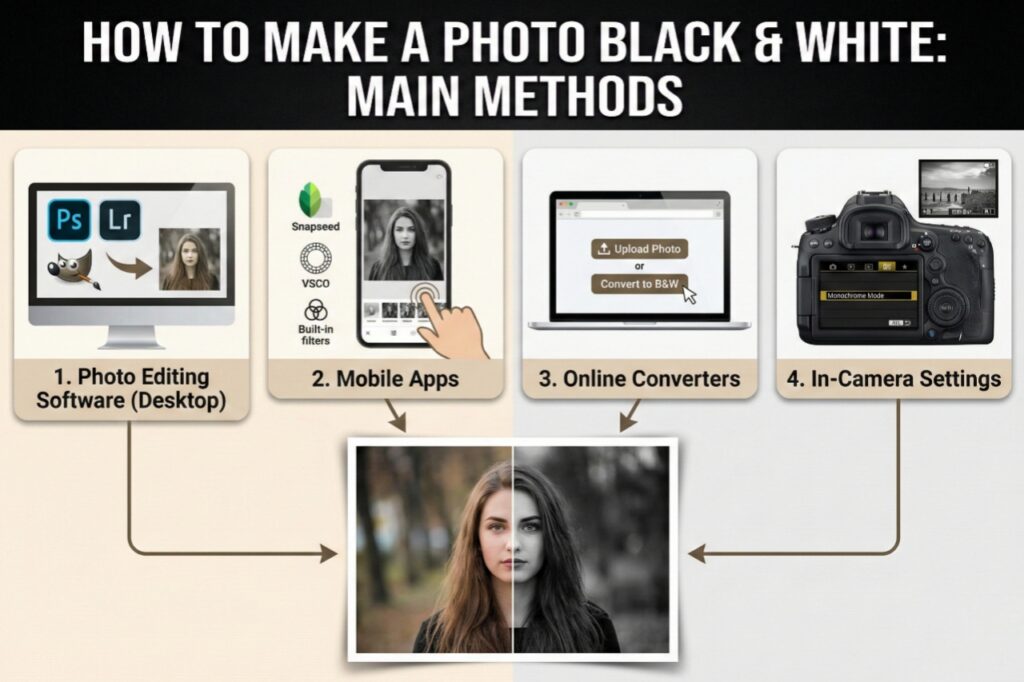
There are several ways to convert photos to black and white. Some are very easy, while others are a bit more professional. We will tell you about all the popular methods here.
- PicsizeReducer.com – A Free and Easy Website
If you are looking for the easiest and fastest way to make a picture black and white, then PicsizeReducer.com is a great option. This website is completely free and allows you to convert your photos to black and white without any payment or registration.
How to use PicsizeReducer.com:
- Go to the website – picsizereducer.com
- Click on the “Upload Image” button and select your color photo.
- Find the “Convert to Black & White” or similar option in the tools.
- In a few seconds, your picture will be ready in black and white!
- Download and save the new picture.
What can you do with this tool?
- Convert ordinary color photos to high-quality black and white
- Reduce the size of the image (compression)
- Change the photo format (JPEG, PNG, etc.)
- Get results without any watermarks
How does this website make your work easier? This website is specifically designed for converting pictures to black and white so that ordinary people can give their photos a professional look without any technical knowledge. You can use it for free to make your work easier. No software download is required, complete the work directly in your browser!
- Through Smartphone Apps
Nowadays, we all have smartphones, and several apps are available that can convert photos to black and white:
- Snapseed (by Google, completely free)
- Adobe Lightroom Mobile (free version available)
- VSCO (popular photo editing app)
- Black and White Effect (specifically for B&W)
In these apps, you simply need to select your picture and apply the “Black & White” filter. Some apps also allow you to adjust contrast, brightness, and shadows separately.
- Using Computer Software
If you want to learn how to turn a picture black and white professionally, these software programs will be useful:
- Adobe Photoshop – the most advanced option
- GIMP – completely free and open-source
- Canva – online and user-friendly
- Microsoft Paint – a basic tool built into Windows
An easy way to create a black and white image in Photoshop:
- Open the image in Photoshop
- Click on Image > Adjustments > Black & White
- Make adjustments using the different color sliders
- Click OK and save the image
What can you do with a black and white picture?
Now you might be wondering what you can do with a black and white picture? So, it has many uses:
- Portrait Photography – Facial expressions and details are more clearly visible
- Landscape Photos – The beauty of clouds, mountains, and structures stands out
- Street Photography – Honest snapshots of everyday life
- Wedding Photos – Classic and timeless memories
- Artistic Expression – A way to showcase your creativity
- Social Media Posts – Grabbing attention on Instagram, Facebook
- Professional Projects – For brochures, websites, presentations
Pro Tips: For stunning black and white photos
- Focus on Contrast – A good black and white photo should have both deep blacks and bright whites
- Capture Texture – Textures of stone, wood, and fabric look fantastic in B&W
- Pay Attention to Lighting – Side lighting or backlighting creates dramatic effects
- Color Channel Adjustment – Get different results by adjusting the red, blue, and green channels separately in the software
- Keep the Composition Simple – Clutter-free compositions work best
Conclusion :-
So friends, today we learned how easy it is to make a picture black and white. Whether you use a free website like PicsizeReducer.com, or your smartphone apps or computer software, you can easily transform your color photos into classic black and white images.
Remember, learning how to turn a picture black and white is not rocket science. Just a little experimentation and practice will make you a master of this art. You now have the answer to the question of how to make a photo black and white, so why not give your old color photos a new black and white look today?
You can start with picsizereducer.com because it’s completely free and anyone can use it without any hassle. This photo editing journey awaits you! May it be exciting and creative!
Happy editing! And yes, be sure to share your black and white photos with your friends.