
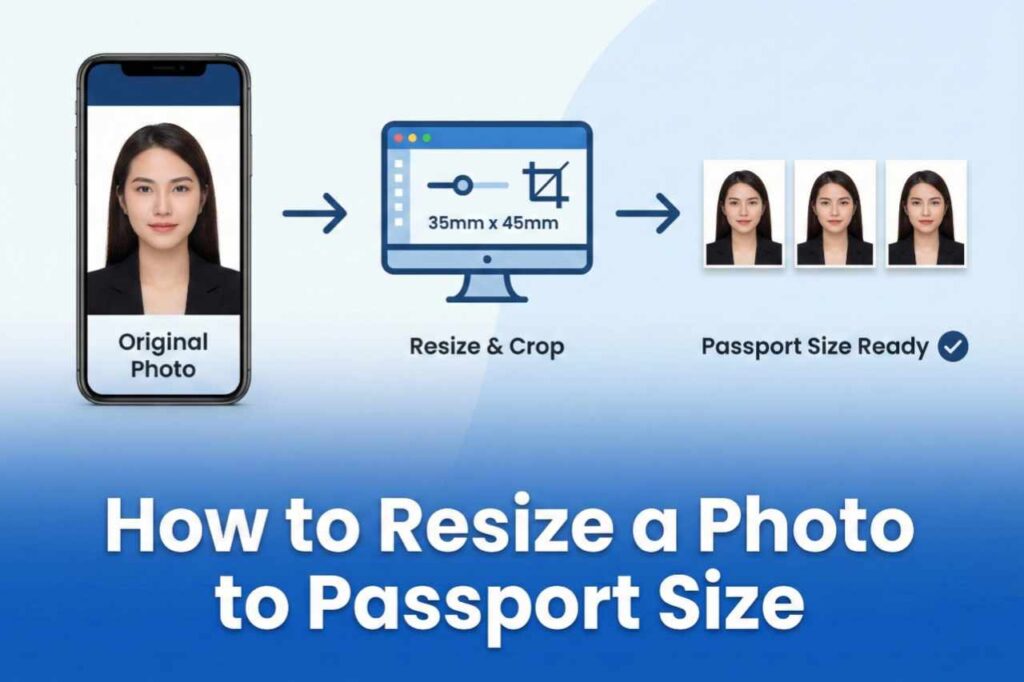
Hello! Welcome to this helpful information. Getting or renewing a passport has become very common these days, and the biggest problem often arises with the photo. Going to a studio, waiting in line, spending money, and then having the photo rejected can be very frustrating. But don’t worry, today I’m going to tell you how to resize a photo to passport size very easily from the comfort of your home. Yes, how to resize a photo for passport size completely free, without downloading any app!
In this article, you will learn how to create a passport-size photo in such a simple way that any ordinary person, whether living in a village or a city, can easily do it. I will explain it to you step by step, just like a friend would. So let’s get started – this information will be very useful for you!
What is the size of a passport photo?
First, know that the standard size for a passport photo in India is 2 inches x 2 inches (51 mm x 51 mm). It is square in shape. For those applying abroad, especially through VFS Global in the US or Europe, this is the size used. Sometimes 35mm x 45mm is required for visas, but for most Indian passports and OCI/visas, 2×2 inches is correct.
Some important points about the photo:
- The background should be white or light-colored.
- The face should be straight, eyes open, mouth closed, no smile.
- The face should occupy 70-80% of the photo.
- The photo should be in color, clear, and recently taken.
If these rules are not followed, the application may be rejected. But now resizing a photo to passport size is very easy!
Above are some examples of what a passport-size photo looks like. See, how simple and clear!
How to take a photo at home?
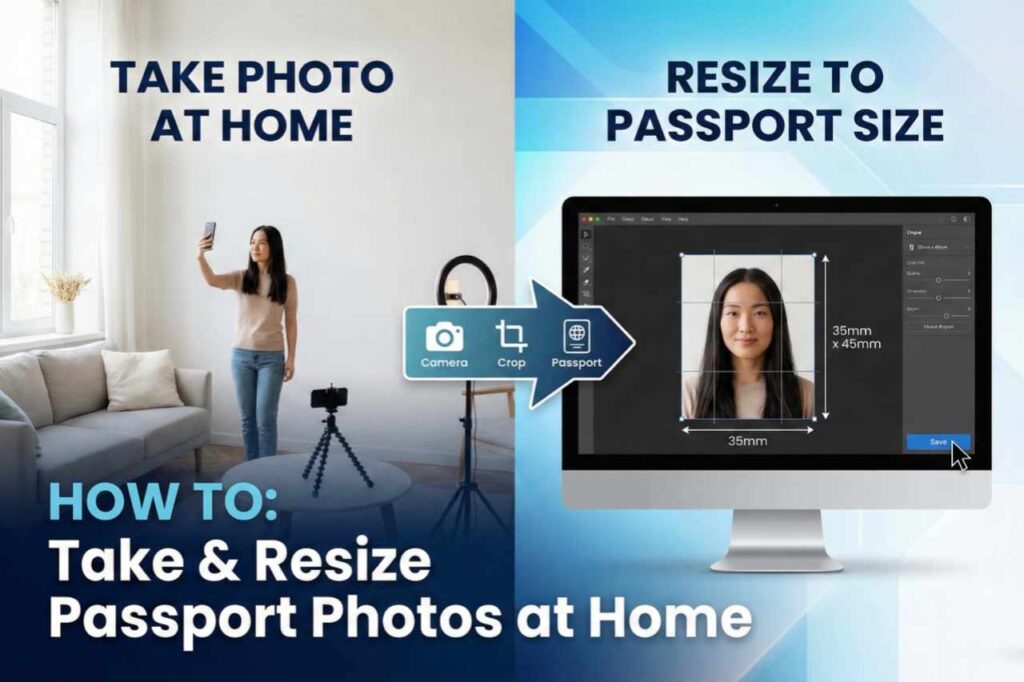
Before you resize a photo for passport size, you need a good photo, right? No need to go to a studio:
- Take a photo with your mobile phone.
- Stand in front of a white wall. 3. Ensure good lighting and no shadows.
- Have a friend take the photo – don’t take a selfie, as the angle will be wrong.
- Wear dark-colored clothes so your face is highlighted.
That’s all. Now the real magic begins – resizing!
How to resize online for free?
Friends, nowadays there are many free websites where you can resize a photo to passport size in minutes. No money, no registration. I’ll tell you some of the best ways.
The best and simplest website is picsizereducer. com. Here you can resize and compress your photo completely free of charge. This site works very fast and maintains good photo quality. Let’s see step by step:
- Open your browser on your mobile or computer (Chrome or any other).
- Search for picsizereducer. com and open the site.
- Click on “Choose File” and upload your photo.
- Now select the size – enter 51mm x 51mm or 2×2 inches in custom size. If there is a passport option, choose that.
- Keep the quality good, but you can also compress to reduce the file size (for passports, keep the file size less than 100KB).
- Press the “Reduce” or “Resize” button.
- Done! Download and print it.
This site also does batch processing, meaning you can resize multiple photos at once. And the best part – it’s completely free!
This is what the interface of such sites looks like – see how easy it is!
If picsizereducer. com doesn’t work, here are other options:
- IDPhoto4You.com – Here you can directly select Indian passport size.
- imResizer.com – It has a special tool for passport size.
- Cutout.Pro or Passport-Photo.Online – These also automatically change the background.
All of these are free and perfectly resize photos for passport size.
How to do it with a mobile app? If you don’t have a computer, use your mobile phone:
- Download a “Passport Photo Maker” or “Passport Size Photo Editor” app (free ones from the Play Store).
- Select the photo, choose the size (2×2 inches), crop it, and save.
- Save multiple copies on a 4×6 sheet for printing and get them printed at a photo studio – it will only cost 20-30 rupees.
How to get it printed?
After resizing online:
- Transfer the photo to a pen drive.
- Go to a nearby photo studio or cyber cafe.
- Get 6-8 passport photos printed on a 4×6 size paper – it will be very cheap.
Precautions and Tips
- The photo should be recent (not older than 6 months).
- If you wear glasses, make sure there is no reflection.
- There is some leniency for children’s photos.
- When applying online, keep the digital photo in JPG format, between 10KB and 100KB.
- Always keep 4-5 extra photos.
Friends, resizing a photo to passport size is no longer a big deal. Thanks to free sites like picsizereducer.com, millions of people are doing this from the comfort of their homes. Try it yourself and save your time and money. If you have any doubts, comment below, I will help you!
I hope you liked it. Share it so that others can benefit. Thank you, see you in the next useful tip!