
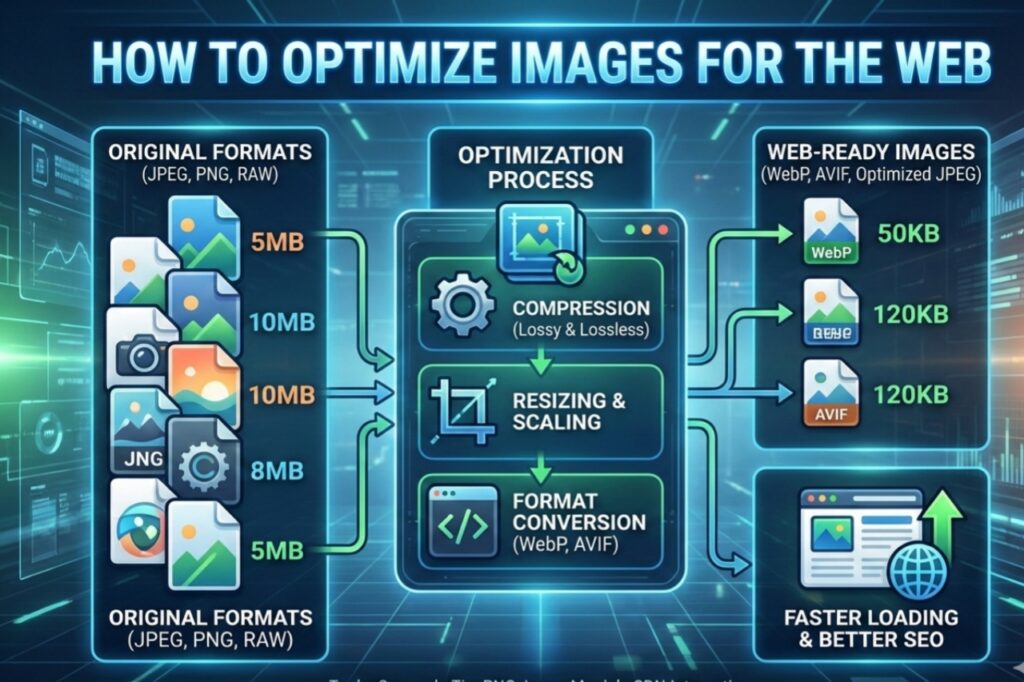
Hello friends! You already know how important website speed is in today’s digital world. If your site’s images are too large, pages take longer to load, visitors get irritated, and Google rankings drop. But the good news is that there’s a way to reduce image size without sacrificing quality. By learning how to optimize images for the web, you can make your website super fast.
I’ve applied these techniques to several websites myself, and the results were amazing – page load times dropped by 2-3 seconds! In this article, I’ll walk you through step-by-step how to optimize images for the web without sacrificing quality, and also share some free tools, including a free website like picsizereducer.com. Let’s get started!
Why is image optimization important?
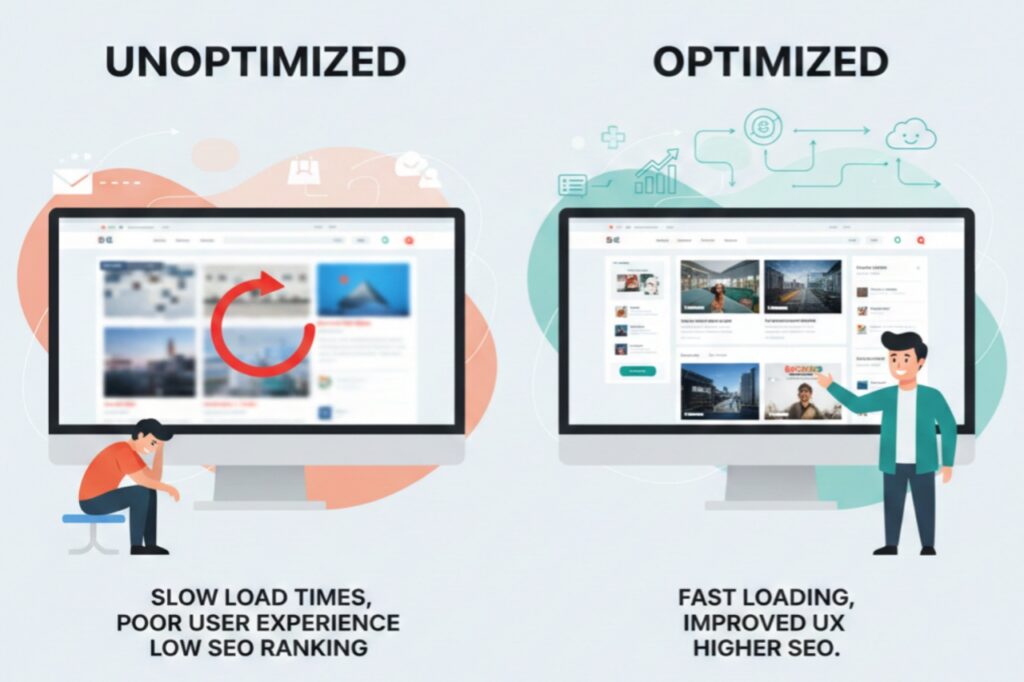
Images account for 50-60% of a website’s total data. If they’re not optimized, mobile users face even more problems. Studies show that if a page takes more than 3 seconds to load, 53% of users abandon the site. By learning how to web optimize images, you not only increase speed but also improve SEO, save bandwidth, and improve user experience.
1: Choose the Right Image Format
The first rule of how to optimize images for the web without losing quality is choosing the right format.
– For photos: JPEG or WebP (WebP is best because it’s 30-50% smaller than JPEG without losing quality).
– For graphics, logos, or transparent images: PNG.
– For icons: SVG (it’s scalable and doesn’t increase in size).
– For animated images: AVIF or WebP (better than GIF).
WebP and AVIF are the most popular formats in 2025 because Google recommends them.
2: Resize the Image
Camera images are often 4000×3000 pixels, but for websites, you’ll want a maximum of 1920×1080 or smaller. Resizing is the easiest way to reduce the size. Use tools to compress the image to the display size – this reduces the size by 70-80%!
3: Compress without losing quality
There are two types of compression:
– Lossless: No quality loss, but the compression is minimal.
– Lossy: Some quality loss, but the size is significantly reduced (not noticeable to the eye).
To optimize images for the web without losing quality, use lossy compression but maintain 80-90% quality. This makes the image 50-90% smaller.
Best Free Tools: Do it easily with picsizereducer.com
Now the fun part! You don’t need expensive software. You can easily learn how to web optimize images with free online tools.
– picsizereducer.com: This is a completely free website where you can upload images, resize, and compress them. No registration, direct download. I used it myself – very simple and fast!
– TinyPNG.com: Best for PNG and JPEG, smart compression.
– Squoosh.app: Google’s tool, with real-time previews.
– ILoveIMG.com: Perfect for bulk compression.
Extra Tips: Improve Your Images
– Use Lazy Loading: Images load only when the user scrolls.
– Responsive Images: Different sizes for different devices.
– Add Alt Text: For SEO.
– Use a CDN: Images are delivered faster.
Conclusion:
How to optimize images for the web without losing quality is easy with these tips. I guarantee your site’s speed will double after applying them!
If you’re a blogger, web developer, or business owner, get started today. Try picsizereducer.com – it’s completely free and easy. If you have any questions, leave a comment and I’ll help. Make your website super fast and get more traffic! Thanks for reading!