
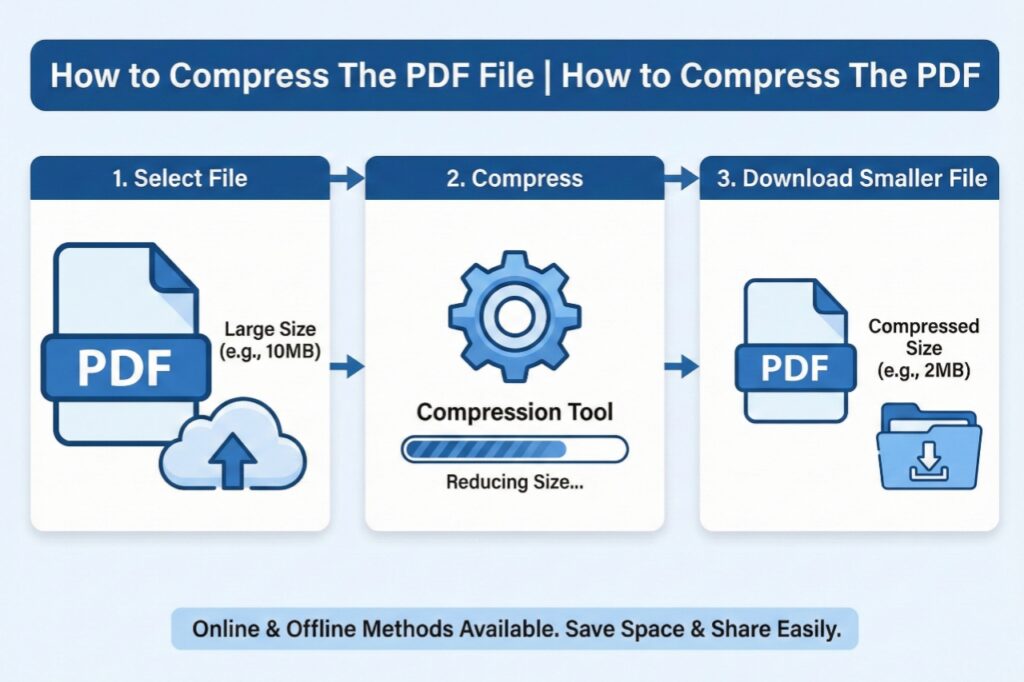
Hello friends! In today’s digital age, PDF files have become an essential part of our daily work. Whether it’s an office document, a book, a research paper, or an image file – the PDF format is common in all of them. But sometimes, these PDF files become so large that it becomes difficult to send them via email, share them on WhatsApp, or upload them online. If you’ve faced this problem, don’t worry! Today, we will give you complete information on how to compress a PDF file. We will learn how to easily compress a PDF file, and we will also talk about some free tools.
What is PDF Compression and how can you compress a PDF file?
In simple terms, PDF compression means reducing the size of your large PDF file without losing its quality and essential content. When you compress a PDF, the quality of the images inside the file is slightly optimized, unnecessary fonts or data are removed, and the file is converted into a format that is smaller in size but remains the same in readability.
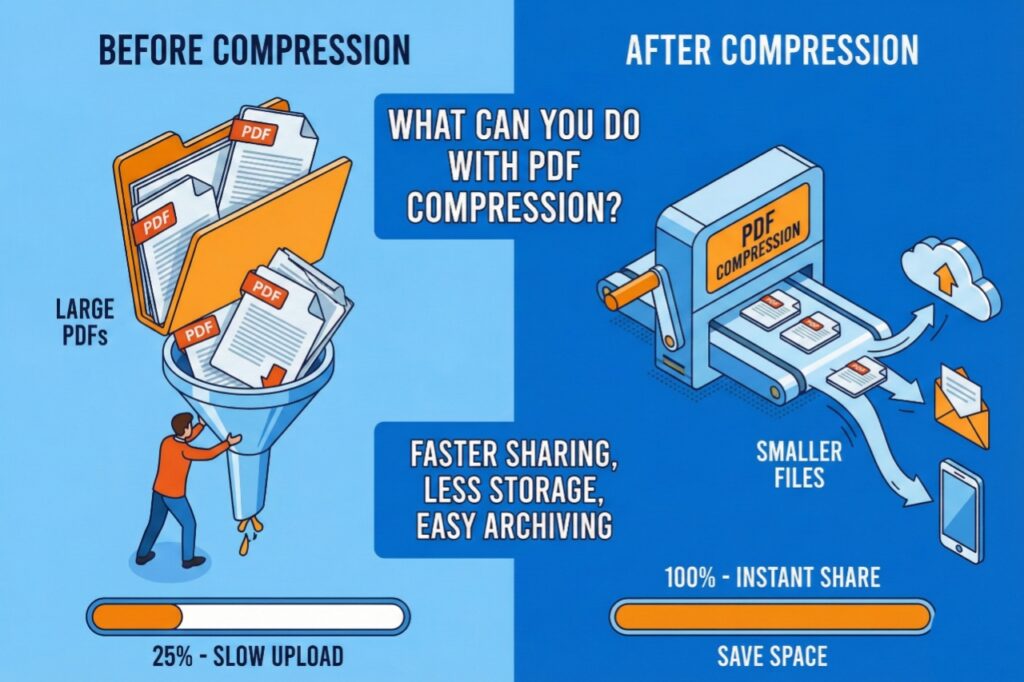
What can you do with PDF Compression?
- Easy Email Attachments: Sending large files via email often encounters size limits. After compression, you can easily send the file.
- Faster Sharing: Smaller files upload and download faster on WhatsApp, Telegram, or any messenger.
- Save Storage Space: Do you have hundreds of PDFs saved on your computer or phone? By compressing them, you can save valuable storage space.
- Convenience in Online Uploads: When applying for a job, filling out a form, or on educational portals, there are often file size limits. A compressed PDF is the easiest solution to this problem.
- Professional Look: Smaller files not only transfer faster, but they also create a tech-savvy image for you.
Easy Ways to Compress PDF Files: How to Compress a PDF File
Let’s get straight to the point. You can compress a PDF file in several ways. We will discuss all platforms here – online websites, software, and mobile apps.
- Using Online Websites (The Easiest Method)
Online tools are the most popular because they don’t require any installation. Just choose a good website, upload your file, and download the compressed file.
- picsizereducer.com – This is an excellent and free website. As the name suggests, it easily reduces the size of both pictures and PDFs. You can make your work easier and simpler by using the tools on this website for free. You just need to select your PDF file, the website will automatically compress it, and you can download it. This is a fast and secure method.
- Other popular online platforms:
- Smallpdf.com
- ILovePDF.com
- Adobe Acrobat Online (limited free features)
- PDF2Go.com
The method of using all these platforms is almost the same. These are different platforms that offer different compression options (such as high compression, medium quality, or low compression) depending on your needs.
- Computer Software (Offline Method)
If you need to compress many PDF files frequently and don’t want to use the internet, you can install desktop software.
- Adobe Acrobat Pro DC: This is the most professional software for PDFs. It has excellent compression tools, but it is paid.
- Nitro PDF Reader: A good free software that offers both PDF editing and compression features.
- Foxit PhantomPDF: Another powerful software that offers many features along with compression.
- Mobile Apps (Instant Work on Your Phone)
Nowadays, most of our work is done on our smartphones. To compress PDF files directly from your phone, several apps are available on the Play Store or App Store. • Adobe Acrobat Reader: This app is great not only for reading PDFs but also for compressing and performing other edits.
- PDF Compressor & Size Reducer: As the name suggests, this app is designed for compressing PDFs. It quickly reduces the file size.
- CamScanner: This is a scanning app, but it also offers the option to optimize and compress PDFs.
Step-by-step guide to using picsizereducer.com for free:
- Open the picsizereducer.com website in your computer or phone’s browser.
- On the website’s homepage, you will see an option like “PDF Compress.” Click on it.
- Now click on the “Choose File” or “Select PDF” button to select the PDF file you want to compress.
- After the file is uploaded, the website will automatically start the size reduction process. Wait a few seconds.
- Once the process is complete, a “Download” or “Save” button will appear. Click on it to save your compressed PDF file.
It’s that easy! This website is specifically designed for compressing PDFs, so you can easily complete all your tasks using its free tools.
Which method should you choose?
- If you only need to compress one or two files occasionally, online tools like picsizereducer.com are perfect.
- If your daily work involves PDFs and you need advanced features, then professional software is recommended. Invest in software.
- If you’re always on your mobile and want to get things done quickly, download a good mobile app.
An Important Tip
Whenever you use an online tool to compress a PDF file, make sure the website is secure (HTTPS). Also, avoid compressing highly private and confidential documents online for security reasons.
Conclusion:-
Hopefully, after reading this article, you have a complete understanding of how to compress a PDF file. PDF compression is not rocket science, but a very simple and useful skill that can make your digital workflow much easier. Now you know how to compress PDF files and can take advantage of free websites like picsizereducer.com.
So, the next time a large PDF file bothers you, simply use one of these methods and see how your work gets done in a jiffy. Happy compressing!