
Welcome to this article. Today we’re going to discuss a topic that’s incredibly important in our daily digital lives. Have you ever wondered why, when you share a photo from your phone or computer with someone, or upload it to a website, it’s often a problem because the size is too large? Or is the photo format not universally accepted?
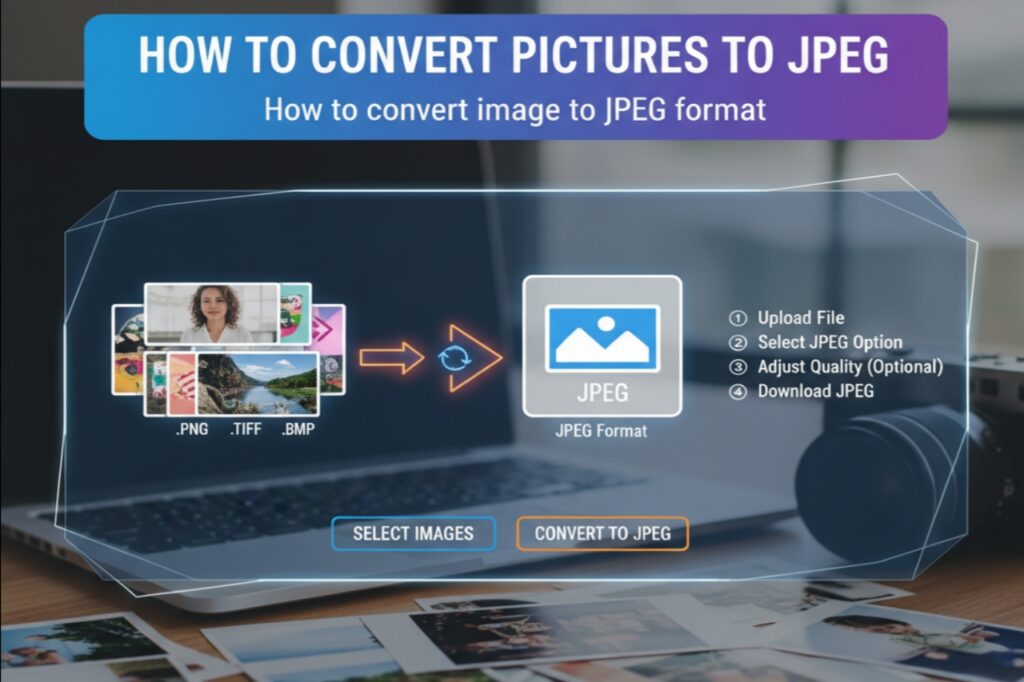
A simple and effective solution to these problems is the JPEG or JPG format. Yes, today we’ll learn in detail how to convert pictures to JPEG, how to convert pics to JPG, and more. We’ll also learn about a great, free tool called picsizereducer.com that makes this task even easier.
What is the JPEG or JPG format and why is it so popular?
Friends, JPEG (which stands for “Joint Photographic Experts Group”) and JPG are actually two names for the same format. It’s an image format that compresses photos. This means that this format significantly reduces the file size of photos without significant degradation to the eye.
The reason for its popularity is this:
- Small size: This makes photos easily shared and quick to send via email or messenger.
- Wide acceptance: Almost every device, website, application, and social media platform supports the JPG format.
- High quality: This format is ideal for photography because it can display millions of colors.
So now the question arises: if we have a picture in PNG, WEBP, HEIC, or another format, how do we convert that picture to JPEG? Let us show you some easy methods.
Easy Ways to Convert Image to JPEG Format
1. Using Windows Photo Viewer or Paint (How to Convert a Picture in JPEG Format)
This method is probably the simplest and most straightforward if you’re using a Windows computer.
- Step 1: Right-click the picture you want to convert.
- Step 2: Go to “Open with” and select “Paint.” (You can also open it in the Photos app and click “Edit” under “Edit & Create”).
- Step 3: Now click the “File” menu in the top left corner.
- Step 4: Click the “Save as” option.
- Step 5: You’ll see a list of different formats. Select “JPEG picture” from there.
- Step 6: Name your file and save it.
That’s it! Your picture is now saved in JPG format. This way, you can easily convert your picture to JPG format.
2. Using the Preview app on a Mac computer
This process is just as easy for Mac users.
- Step 1: Open the picture in the “Preview” app.
- Step 2: Click “File” in the top menu bar.
- Step 3: Select the “Export” option.
- Step 4: A new window will open. Select “JPEG” from the drop-down menu next to “Format.”
- Step 5: You can adjust the quality and then click “Save.”
3. Using Online Websites (How to Convert Pictures to JPEG)
If you don’t want to install an app or you’re on a mobile phone, online tools are a great option. There are many websites online that offer this service for free. You simply upload your photo, it will convert it to JPG, and you can download it.
However, there’s a problem here. Sometimes online tools charge for compressing or converting photos, or there are privacy concerns. In such a situation, finding a reliable, fast, and completely free tool is a boon.
Makes your work easier – picsizereducer.com
Friends, now we’re going to talk about picsizereducer.com. This website is specifically designed for all users who want to compress and convert their images without any hassle, absolutely free.
Special features of picsizereducer.com :
- Absolutely Free: You don’t have to pay any fees on this website. You can use it unlimited times without spending a penny, without registration. This is its biggest feature.
- Both Convert and Compress: It not only changes the format but also reduces the size of the photo. So if you need to convert an image to JPEG format and reduce its size, it’s all in one place.
- User-Friendly: Its design is so simple that anyone can use it easily. Simply search the website, upload a photo, and get results in seconds.
- Secure: This website takes your privacy seriously. Your photos are not stored on the server for long periods of time, ensuring your privacy is protected.
How to use picsizereducer.com?
Using this tool to convert a pic to JPEG is very straightforward:
Open the picsizereducer.com website in your browser.
On the website’s homepage, you’ll see a large button that says “Upload Image” or similar text. Click on it.
Now, select the photo from your computer or phone that you want to convert.
In a few seconds, the website will automatically process your photo. Usually, it converts it to JPG format and optimizes it.
Once the process is complete, you’ll see a “Download” button. Clicking on it will download your new, smaller JPG image to your device.
How easy, isn’t it? Now you don’t need to download software or pay any money.
Conclusion : Save your precious time and data
Friends, as we learned in this article today, converting photos to JPEG isn’t rocket science. It’s a very simple process that can make our digital work much easier. Whether you’re a student, a professional, or an active social media user, this knowledge will definitely come in handy.
And when it comes to doing this quickly and for free, picsizereducer.com can prove to be a great help. It not only changes the format of your photo but also reduces its size so that you can easily send it via WhatsApp, Instagram, or email. So, the next time you need to convert a photo to JPEG, be sure to try these easy methods and get your work done in no time. Proper and smart use of technology is what makes our lives easier.
We hope this information was helpful. Please share your valuable feedback with us. Thank you!